Voltage drop calculation | GorkyCAD Pro
Voltage drop is the volt loss from the panel to the device. Per PUE it must not exceed 5%. GorkyCAD Pro calculates ΔU for every line.
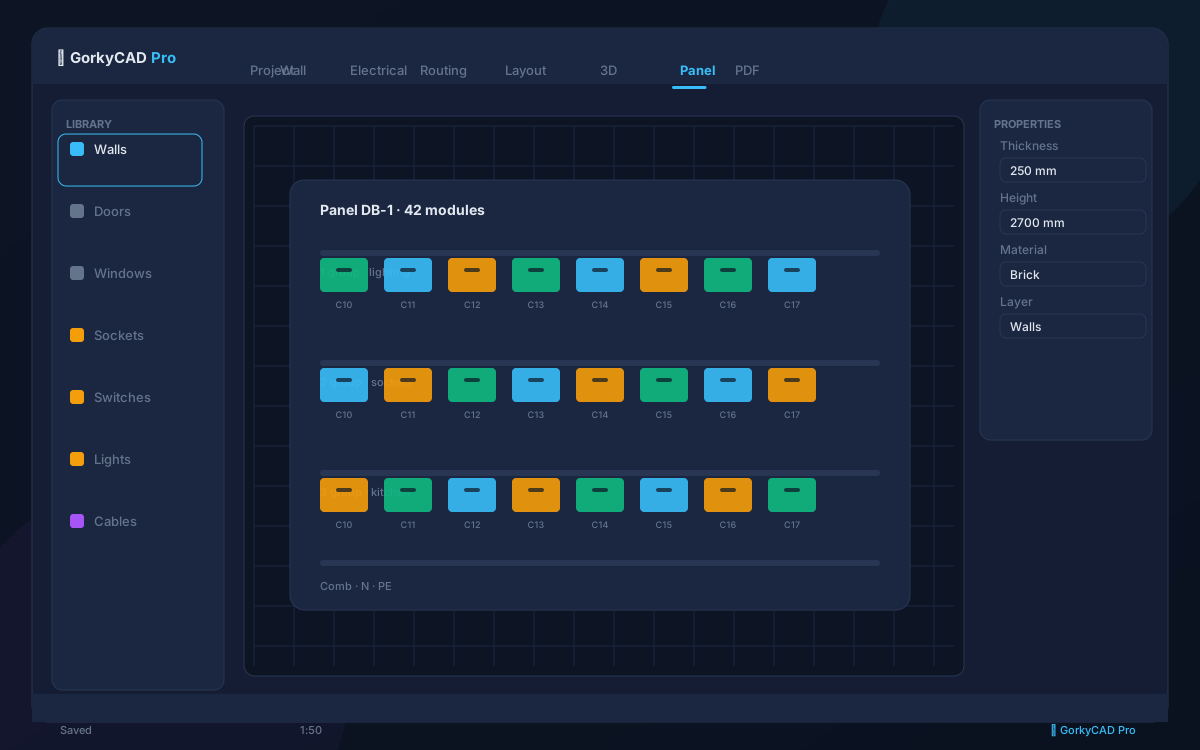
Why control ΔU
If voltage drop exceeds the norm, devices get less voltage: dim lights, incorrect operation, overheating. Per PUE the limit is 5%.
', 'How it is calculated
ΔU depends on current, line length, cross-section and cable material. GorkyCAD Pro calculates for each line and highlights where the norm is exceeded.
- Line current
- Route length
- Cross-section and material
- ΔU in % of voltage
What to do when exceeded
GorkyCAD Pro suggests increasing the cable cross-section or splitting the line. The fix is automatic cross-section selection to meet the norm.
', 'Export
The ΔU calculation goes into the explanatory note and is used for approval.
']FAQ
What is the ΔU norm?
No more than 5% per PUE.
What affects ΔU?
Current, length, cross-section and material.
Auto cross-section selection?
Yes, to meet the ΔU norm.
Frequently asked questions
Is this article free?
Yes, all articles and calculators are completely free.
Yes, all articles and calculators are completely free.
Where can I run calculations?
The site offers 21 free calculators: cable sizing, breakers, RCD, voltage drop and more.
The site offers 21 free calculators: cable sizing, breakers, RCD, voltage drop and more.
How do I prepare an electrical project?
In GorkyCAD Pro: plans, panels, calculations and a PDF set for free.
In GorkyCAD Pro: plans, panels, calculations and a PDF set for free.
Found an error in the article?
Write to hello@gorkycad.pro — specialists will review and correct it.
Write to hello@gorkycad.pro — specialists will review and correct it.