Electrical design in the browser — built for IS 732
Design and verify electrical projects as per IS 732, CEA 2010 and NBC 2016: one model gives you load schedules, cable sizing, the single-line diagram, DB and panel layout and the full PDF submission set.
- One model: change a socket — the whole project recalculates
- IS 732 / CEA 2010 / NBC 2016 profiles built in — nothing to configure
- 230 V / 415 V, 50 Hz, R-Y-B phase marking — out of the box
- Complete PDF document set — one click
- AI assistant — 51 functions
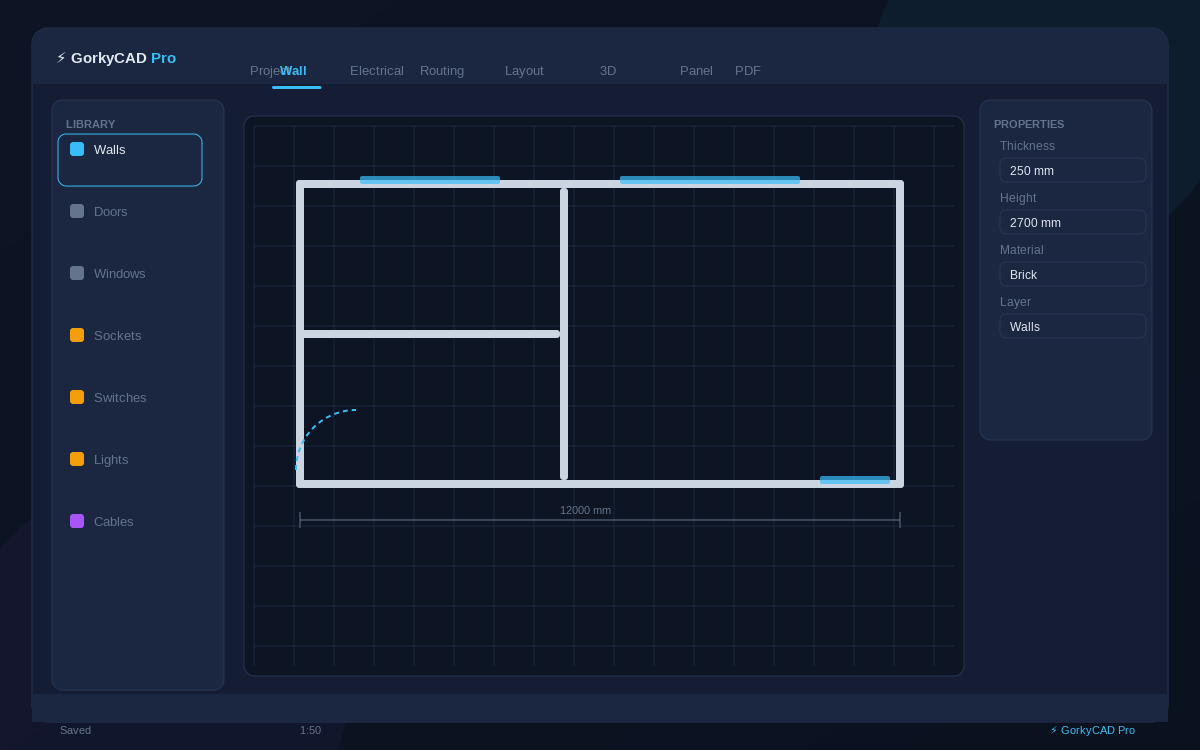
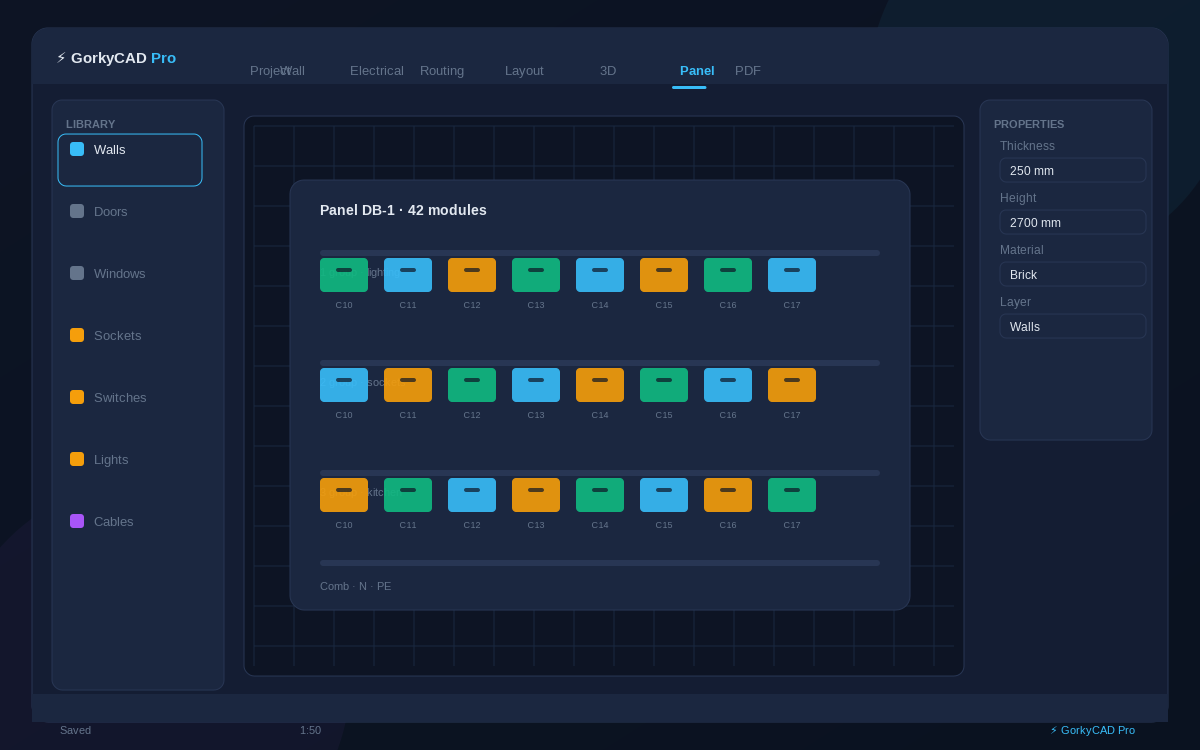
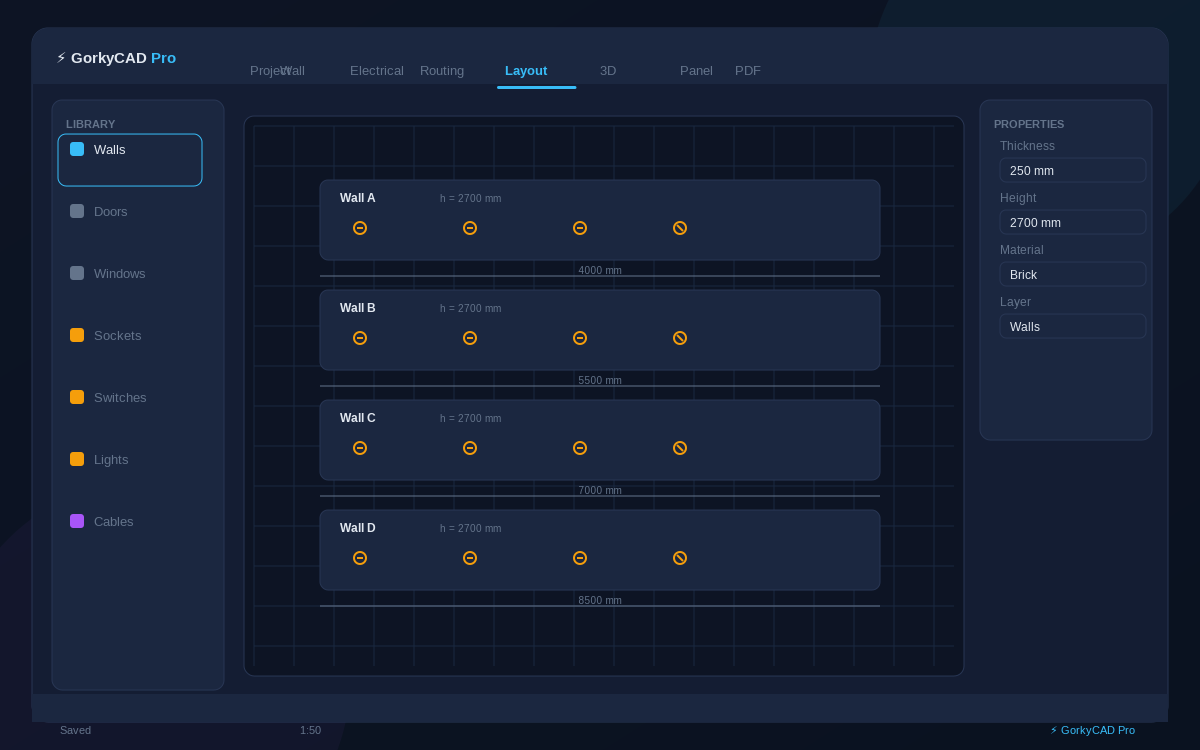
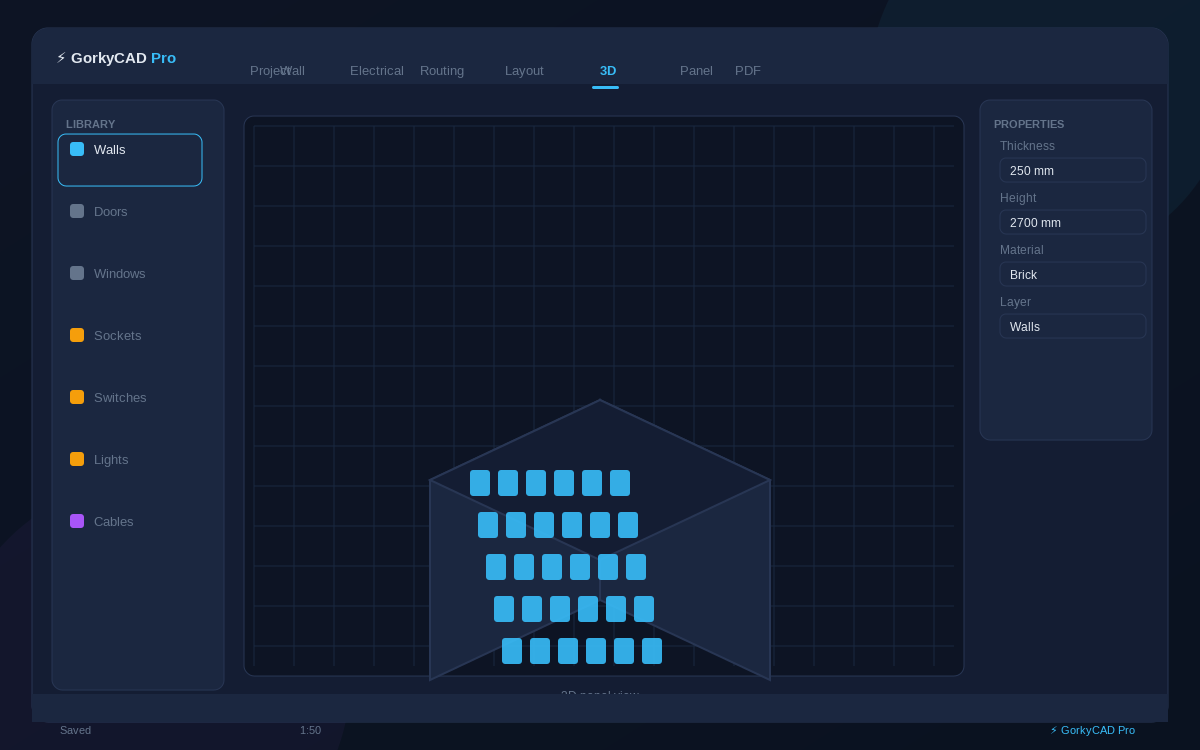
The GorkyCAD Pro interface
From the floor plan to the single-line diagram, the distribution board and 3D.
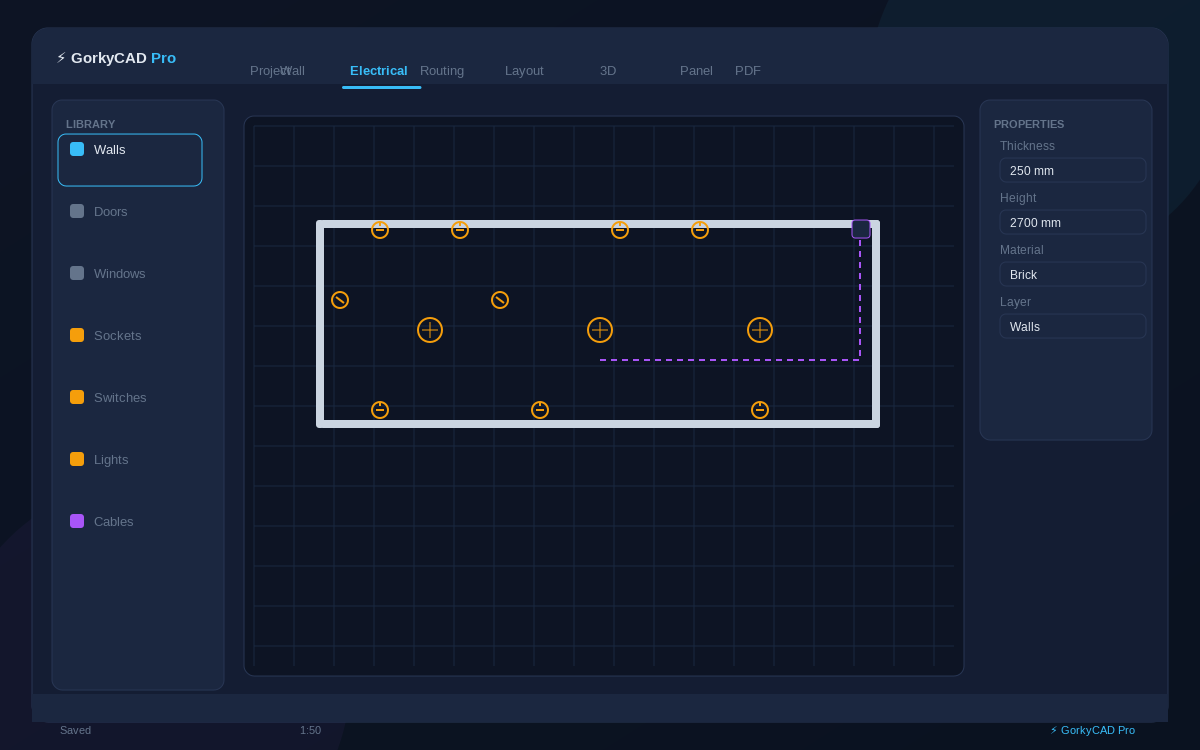
Everything in one product
From the floor plan to the full submission set — a single synchronised model.
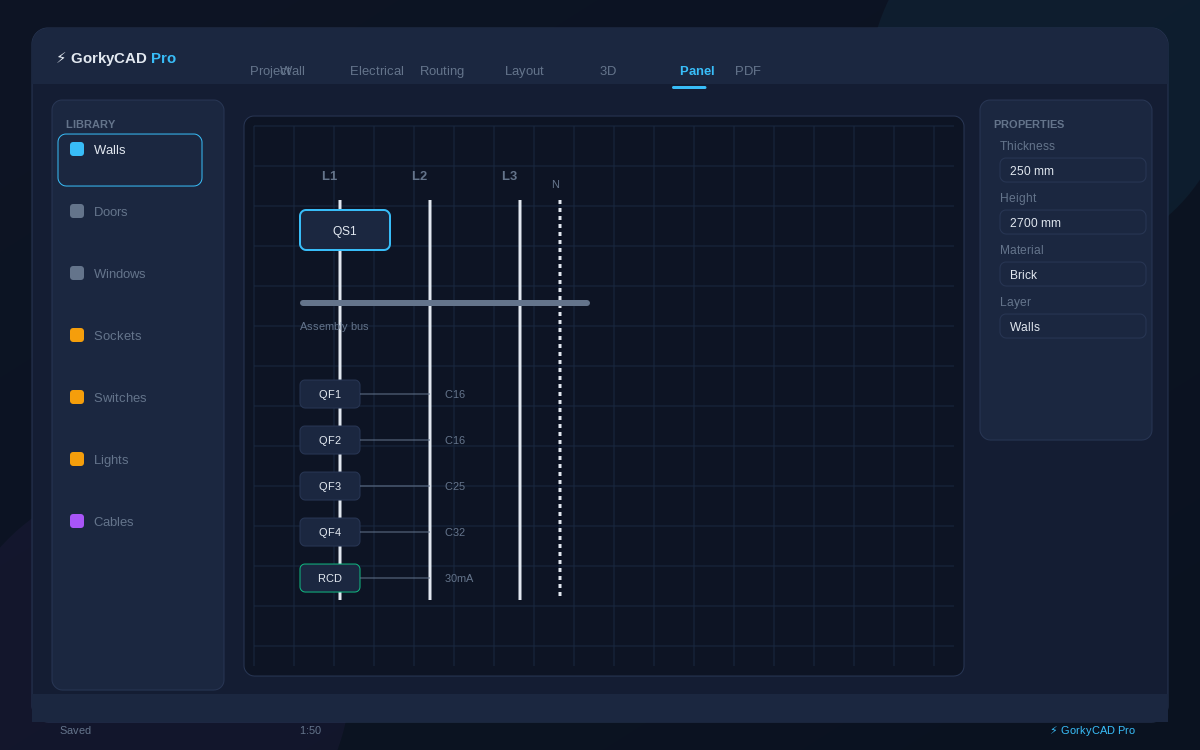
Single-line diagrams (IEC 60617)
Standard symbols, circuit numbering and automatic power tracing. Change one circuit and the SLD redraws itself — cross-referenced with the DB layout.
Plans and schematics in the browser
Walls, rooms, doors and windows. Import a plan (photo or DXF) or draw from scratch — the whole project lives in the browser.
DBs, panels and distribution
Auto-assembled DB and PCC layouts, busbars and feeder topology — with phase-balance checks across R, Y and B.
Cable schedules and routes
Automatic routing, length take-off and a cable schedule that is always current — right up to the last draw point.
70+ engineering calculations
Connected load and demand, short-circuit, cable sizing, voltage drop, protection coordination and selectivity.
IS 732 / IEC 60364 checks
The engine verifies the installation against the standard before you submit: RCD and earthing, SPD, protection coordination, voltage drop.
AI assistant (51 functions)
Checks compliance with the standards, explains every calculation and suggests the practical fix — in plain language.
PDF, DXF and XLSX documents + offline PWA
The complete document set in one click — plan, SLD, specification, cable schedule and bill of quantities — and offline work as an installable app.
An engineering platform — not just a drawing program
Everything an electrical project needs — in one connected model.
From a single model, the schematics, DBs and panels, cables and the whole document set are generated automatically. Change one input and every view, schedule and drawing updates in cascade — no copying between files, no Excel sheet drift.
Export to PDF, DXF, XLSX, IFC, BCF and GLTF. Standards built in: IEC, IS, ANSI and BS.
What you can calculate
The electrical calculations a real project needs — built into the same model.
- ✓ Connected load and demand factor
- ✓ Cable sizing and derating
- ✓ Voltage drop per circuit
- ✓ Short-circuit current
- ✓ MCB / MCCB selection
- ✓ Earth-fault and body protection
- ✓ Trip sensitivity ranges
- ✓ Earthing and lightning protection
- ✓ Load schedules and demand estimates
- ✓ Heating and thermal loads
- ✓ Solar rooftop and return cable
- ✓ DG set and inverter/UPS backup
- ✓ EV charging point
- ✓ Specified 30-mA protection
- ✓ Cable lengths and schedules
- ✓ Bill of quantities and estimate
- ✓ DB and panel specifications
- ✓ Phase balance R-Y-B
- ✓ Wall unfold and 3D
- ✓ Export to PDF / DXF / XLSX
- ✓ And much more — 70+ calculations
Why GorkyCAD
Four reasons to change the way you design electrical projects in India.
Much faster than manual
One model recalculates the whole project instantly: no spreadsheets, no re-drawing the same circuit three times.
Fewer errors
Automatic checks against IS 732 / IEC 60364 flag problems before the drawings reach the consultant or the authority.
Documents appear automatically
Single-line diagrams, DB schedules, cable schedules and BOQ are generated straight from the model.
Access from any device
Works in the browser and offline (PWA) — office computer, tablet or site phone.
Compare the approaches
Traditional electrical design versus GorkyCAD Pro.
Traditional desktop CAD
- • Manual recalculation
- • Heavy licence fees
- • One local machine only
- • Standards maintained separately
Basic online tool
- • Partial automation
- • Free (basic)
- • Browser only
- • No IS 732 / CEA profile
GorkyCAD Pro
- ✓ Unified model + AI
- ✓ Free to start
- ✓ Browser + offline
- ✓ IS 732 / CEA / NBC built in
Simple, transparent pricing
Start for free and move to Pro when you need it. No surprises.
To get started — no card needed.
- ✓ Basic projects
- ✓ Essential calculations
- ✓ Editor in the browser
- ✓ PDF export
Everything included, for professionals. No regional markup for India.
- ✓ Unlimited projects
- ✓ Everything included: CAD, calculations and AI
- ✓ AI tokens included
- ✓ Export to PDF, DXF, XLSX, IFC
Frequently asked questions
The essentials before you start your first project.
What is GorkyCAD Pro?
It is an electrical design platform that runs in the browser: plans, single-line diagrams, DB and panel layouts, calculations and the documentation set — all in one engineering model.
Do I need to install anything?
No. Everything works in the browser. You can also install it as an app (PWA) and work offline.
Which standards does it cover?
For Indian projects: IS 732, CEA Regulations 2010 and NBC 2016. For international ones: IEC 60364 and IEC 60617, plus ANSI and BS. All built in — nothing to configure.
Is there a free plan?
Yes. You can start free, without a card, on basic projects with PDF export. Pro unlocks unlimited projects, AI and every export format.
How do I pay from India?
By card through the secure checkout; your bank converts the amount at its rate. Monthly billing, cancel whenever you like.
Does it work offline?
Yes. The PWA keeps the project on your device and syncs changes when you are back online — useful on sites with patchy connectivity.
Who is it for?
For electrical contractors, consultants, MEP engineers and design firms who need standards-checked documentation for residential, commercial and industrial projects — quickly and defensibly.
Is my data safe?
The connection is encrypted and your projects are not shared with third parties. You can export your data at any time.
Ready to design faster?
Start for free. No installation. Works in the browser and offline.